The Playbook
Best Website Builders for Service Businesses: 2026 Comparison

Updated September 2026 — revised for how each builder works today and how it shows up in Google and in AI search answers.
Wix vs WordPress vs Squarespace is the question we hear most from owners building a first website or replacing a tired one. Here is the short answer, then the details.
The Quick Verdict: Wix vs WordPress vs Squarespace
- Choose WordPress if you want to own the site outright, rank for local searches, and add booking, chat, and follow-up tools as you grow. It needs someone to maintain it, which is why we build clients on managed WordPress with a care plan.
- Choose Squarespace if you want a clean, good-looking site fast, you post your own photos, and you do not expect to add much beyond a contact form and a booking link.
- Choose Wix if you need something live this week, you are comfortable doing it yourself, and the site is a business card rather than a lead engine.
For a trades or service business whose phone needs to ring, that usually points to WordPress. For a solo operator who mainly needs to look legitimate online, Squarespace or Wix is often enough. The rest of this guide explains why, platform by platform.
What Are the Key Differences Between Wix, WordPress, and Squarespace for Small Businesses?
When weighing options for a website builder, it’s essential to examine the fundamental differences among platforms. Each of these tools offers a distinct set of features, targeting different user needs and technical abilities.
How Do Wix, WordPress, and Squarespace Compare on Ease of Use and Setup?
Wix, WordPress, and Squarespace each offer unique advantages when it comes to user experience. Wix is known for its drag-and-drop functionality, which fosters quick setup and intuitive ease of use, making it ideal for users with minimal technical skills. WordPress, while slightly more complex, provides a flexible platform that can be tailored for various needs through its extensive plugin ecosystem. Squarespace, on the other hand, is praised for its aesthetically pleasing templates and smooth user interface but might present a steeper learning curve. User testimonials indicate that beginners often find Wix the simplest to navigate, while seasoned developers appreciate WordPress’s customization capabilities.
What Website Design Options Do Each Platform Offer for Service-Based Businesses?
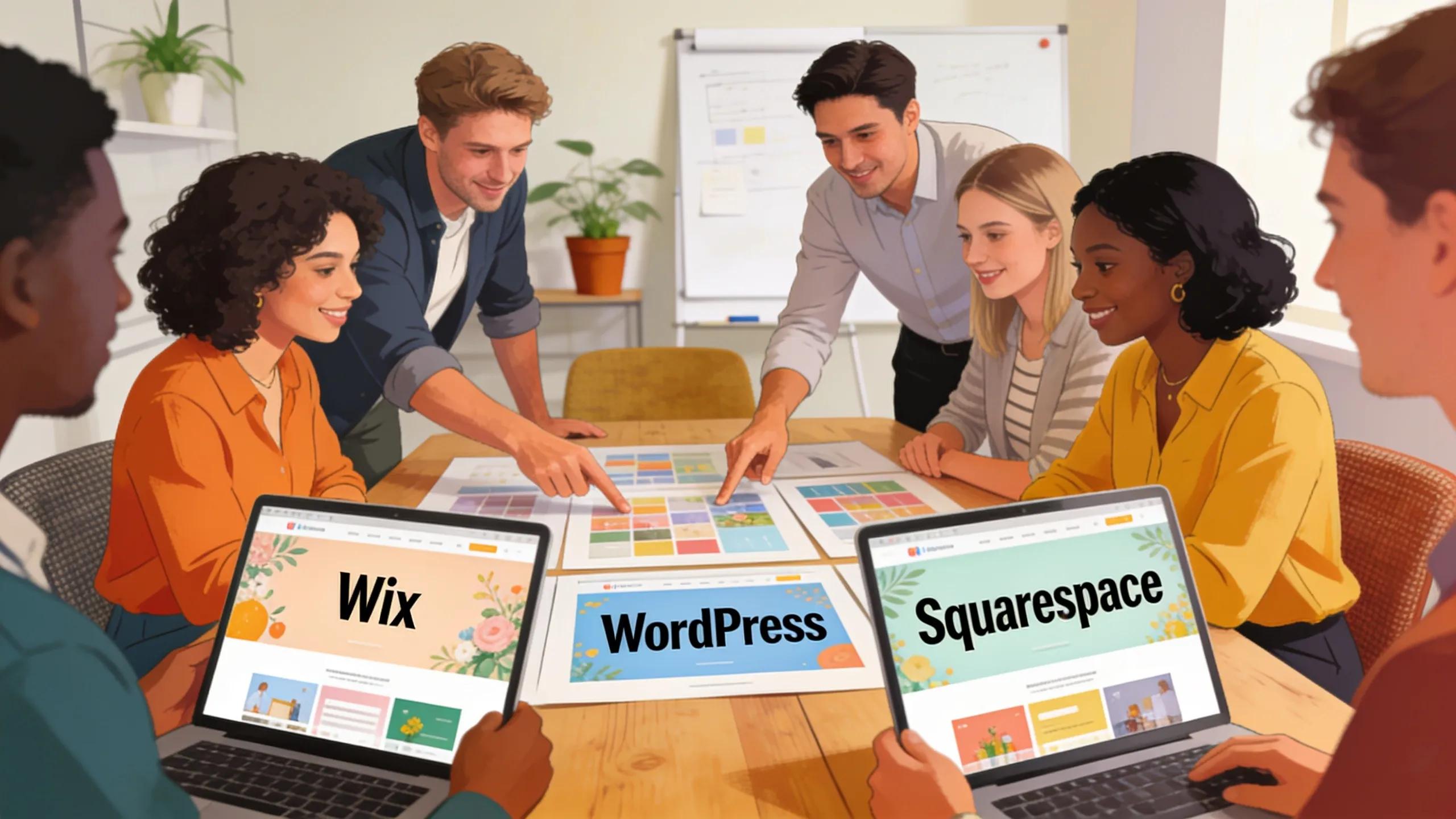
Service-based businesses often rely on visually compelling websites to attract clients. Wix offers a variety of customizable templates specifically designed for service industries, enabling easy personalization to brand identity. WordPress stands out with a vast selection of both free and premium themes that can be adapted for service businesses, offering extensive flexibility in design layouts. Squarespace excels in providing professionally designed templates that ensure a sleek and modern appearance, though customization may require some technical knowledge. This diversity in design options allows business owners to select a platform that best fits their brand aesthetics and functional needs. For specialized online presences, services focused on website design can be invaluable.
Understanding how digital marketing and web technologies impact customer perception is crucial for service businesses creating an online presence.
How Do Wix, WordPress, and Squarespace Support Local SEO and Visibility in 2026?
Local SEO is essential for service-based businesses that depend on local clientele. Understanding how each platform optimizes local visibility can greatly influence your choice.
Which Platform Offers Better Tools for Google Business Profile Optimization?
Wix provides straightforward integration for Google Business Profile, allowing businesses to enhance their local search presence easily. WordPress allows extensive SEO plugins like Yoast that help in optimizing content for local searches, although it may require more setup compared to Wix. Squarespace offers integrated features for local business optimization but may lack the depth of customization found in WordPress. Overall, Wix may be favorable for users seeking a hands-off approach to Google Business optimization.
How Does Each Platform Help Improve Local Search Rankings and Lead Generation?
All three platforms offer methods to enhance local search rankings, though the strategies differ. Wix incorporates built-in SEO tools that guide users through optimization, while WordPress enables intricate customization through plugins for advanced SEO practices. Squarespace provides essential SEO features necessary for local visibility, yet it may not match the customizability of WordPress. By understanding these strengths, businesses can effectively tailor their approach to local SEO and lead generation.
What Role Do Appointment Booking and CRM Automation Play Within These Website Builders?
For service-based businesses, integrating appointment booking and CRM automation into the website is vital for operational efficiency and enhanced customer service.
How Do Wix, WordPress, and Squarespace Integrate Online Booking Systems?
Wix offers several built-in tools and third-party integrations for online booking, making it user-friendly for clients. WordPress boasts plugins like Bookly that provide extensive customization for booking solutions, which can be tailored to various service types. Squarespace enables scheduling via integrations like Acuity Scheduling, though users may find it less intuitive than Wix. These integrations help businesses streamline appointment management, catering to customer needs efficiently.
What Are the Options for CRM and Follow-Up Automation on Each Platform?

Wix connects easily with various CRM tools, allowing service-based businesses to automate customer interactions and follow-ups seamlessly. WordPress’s flexibility with CRM plugins ensures extensive configuration for optimized customer relationship management. Squarespace has fewer integrated CRM options but offers essential email marketing tools to nurture leads. Choosing a platform that supports effective CRM integration is crucial for businesses focused on client management and engagement. Leveraging tools designed for business growth, such as specific marketing apps with advanced features, can streamline these processes further. Consider exploring solutions like Marketing App Pro with AI and Done-For-You SEO for enhanced capabilities.
How Can AI Chatbots and Automated Conversations Enhance Your Website Built on Wix, WordPress, or Squarespace?
Incorporating AI chatbots into your website can significantly enhance customer interaction and lead capture.
What AI Chatbot Features Are Available and Easy to Integrate with These Builders?
Wix offers easy integration of AI chatbots that enhance user engagement and support around-the-clock communication. WordPress provides various chatbot plugins that allow for tailored interactions based on specific business needs. Squarespace supports chatbot integration but may require additional customization to achieve desired functionalities. The ease of use and integration capabilities of these chatbots offer valuable support for businesses aiming to improve customer service and engagement through Conversations AI.
How Does AI Help Capture Leads and Support Customer Follow-Up Efficiently?
AI chatbots facilitate instant responses to leads, enabling businesses to capture and nurture potential clients swiftly. By automating follow-ups and query responses, chatbots provide a cost-effective solution to maintaining customer connections. Integrating these features can help businesses maximize their outreach and client retention strategies, ultimately increasing lead conversion rates.
What Are the Pros and Cons of Wix, WordPress, and Squarespace for Small Service Businesses in 2026?
Each website builder presents its own advantages and pitfalls, making it vital for business owners to evaluate their options carefully.
Which Platform Offers the Best Value for Budget-Conscious Entrepreneurs?
For budget-conscious entrepreneurs, Wix offers attractive pricing plans with straightforward features for immediate needs. WordPress remains cost-effective due to its open-source nature, where many themes and plugins are free or low-cost. Squarespace, while more expensive, provides high-quality designs that may justify the price for some businesses. Evaluating these pricing structures against a service business’s specific needs can aid in determining the best value.
What Business Cases Are Best Suited for Each Website Builder?
Wix is best suited for small businesses needing rapid deployment without advanced technical skills. WordPress excels for businesses requiring extensive customization and high scalability. Squarespace attracts brands that prioritize aesthetic design and brand presentation. Analyzing the unique characteristics of each platform ensures a better fit for a business’s objectives and audience.
How Can MCM Digital Products Help Your Business Choose and Optimize Wix, WordPress, or Squarespace?
Navigating the complexities of different website builders can be daunting without expert guidance.
What Services Does MCM Provide for Website Design and Local SEO on These Platforms?
MCM Digital Products specializes in website design, digital marketing, and automation solutions tailored to small and service-based businesses. They enhance visibility and lead generation through comprehensive service offerings, including local SEO optimization and website design. Furthermore, managing your online reputation is crucial for sustained growth and trust. Explore dedicated services for reputation management to ensure your business’s digital footprint is positive and impactful.
How Can You Schedule a Complimentary Strategy Call to Get Started?
Common Questions
I run a small trades business. Which one of these is actually right for me?
It depends on what you need the site to do. If you need a few pages, your phone number, and photos of your work, Wix or Squarespace will get you online fast with no technical help. If you want a site that grows with you — service pages for each town you cover, a blog, booking, a chatbot, custom tracking — WordPress gives you more room to build. Pick for the next three years, not next month.
Which one is easiest if I have never built a website before?
Wix is the easiest to start on. Its drag-and-drop editor lets you move things around like a flyer, and you can have something live in an afternoon. Squarespace is close behind but pushes you to stay inside its template, which keeps things tidy and limits you at the same time. WordPress has the steepest learning curve on your own, though managed WordPress removes most of the technical part.
Does one of these rank better on Google than the others?
Google ranks pages, not platforms. A well-built site on any of the three can rank locally. The real difference is how many levers you can pull — page speed, structured data, redirects, URL structure. WordPress gives you the most direct control. Wix and Squarespace cover the basics well but hand you fewer options. For local work, your content, Google Business Profile, and reviews matter more than the platform.
Do I actually own my website if I build it on Wix or Squarespace?
You own your domain name and your content, but not the site itself in a portable sense. The pages live inside their system and cannot be exported and dropped onto another host. A WordPress site is files and a database you can move to a different host and keep running. Whichever you choose, register the domain in your own name and keep the login yourself.
Can I move my site later if I pick the wrong one?
Yes, but treat it as a rebuild rather than a transfer. Your text, photos, and logo carry over. The design and layout get rebuilt on the new platform. The part people forget is redirects — old page addresses need to point to the new ones so your search rankings and existing links survive the move. Switching is far easier at ten pages than at eighty.
How much upkeep does each one need after it launches?
Wix and Squarespace handle updates, hosting, and security themselves, which is a genuine advantage if nobody on your team wants to think about it. WordPress needs someone to keep the core software, theme, and plugins current, run backups, and watch for security issues. That is why MCM builds client sites on managed WordPress and handles the maintenance, so the owner never touches it.
Should I just build it myself, or is it worth paying somebody?
If money is tight and you mainly need to exist online so people can find your number, build it yourself on Wix or Squarespace over a weekend. Paying an agency for a three-page brochure site is a waste of money. Hire help when the site needs to bring in work — service and service-area pages, local SEO, booking, follow-up — or when your time is worth more than the hours it would take.
What happens when I outgrow the platform I started on?
You will feel it before you can name it. You wait on a feature the platform does not offer, you bolt on apps that half-talk to each other, pages get slow, and reporting stops answering your questions. That is the point to move, ideally before it costs you calls. MCM builds on managed WordPress for that reason: room to grow, without the owner babysitting it. Call (920) 383-3387 to talk it through.
Businesses interested in learning more about how MCM Digital Products can assist in optimizing their online presence can easily schedule a complimentary strategy call. During this consultation, businesses will receive personalized strategies tailored to their specific needs, ensuring they select the best platform for maximum impact.

Michael Cummings
Founder of MCM Digital Products. Building and running growth engines for service businesses since 2011 — from Manitowoc, Wisconsin, where his neighbors have elected him to City Council three times.
More about Michael →
Run this play in your business
Want this working for you — without doing any of it yourself?
Every play on this site is something we build and manage for clients every day. Book a free audit and I'll show you exactly where this applies to your business — with your real data.
Get My Free Business AuditPrefer to learn it yourself? Start free in the MCM360 Academy →