
The Playbook
The Simple Reputation Checklist Every Business Needs in 2026
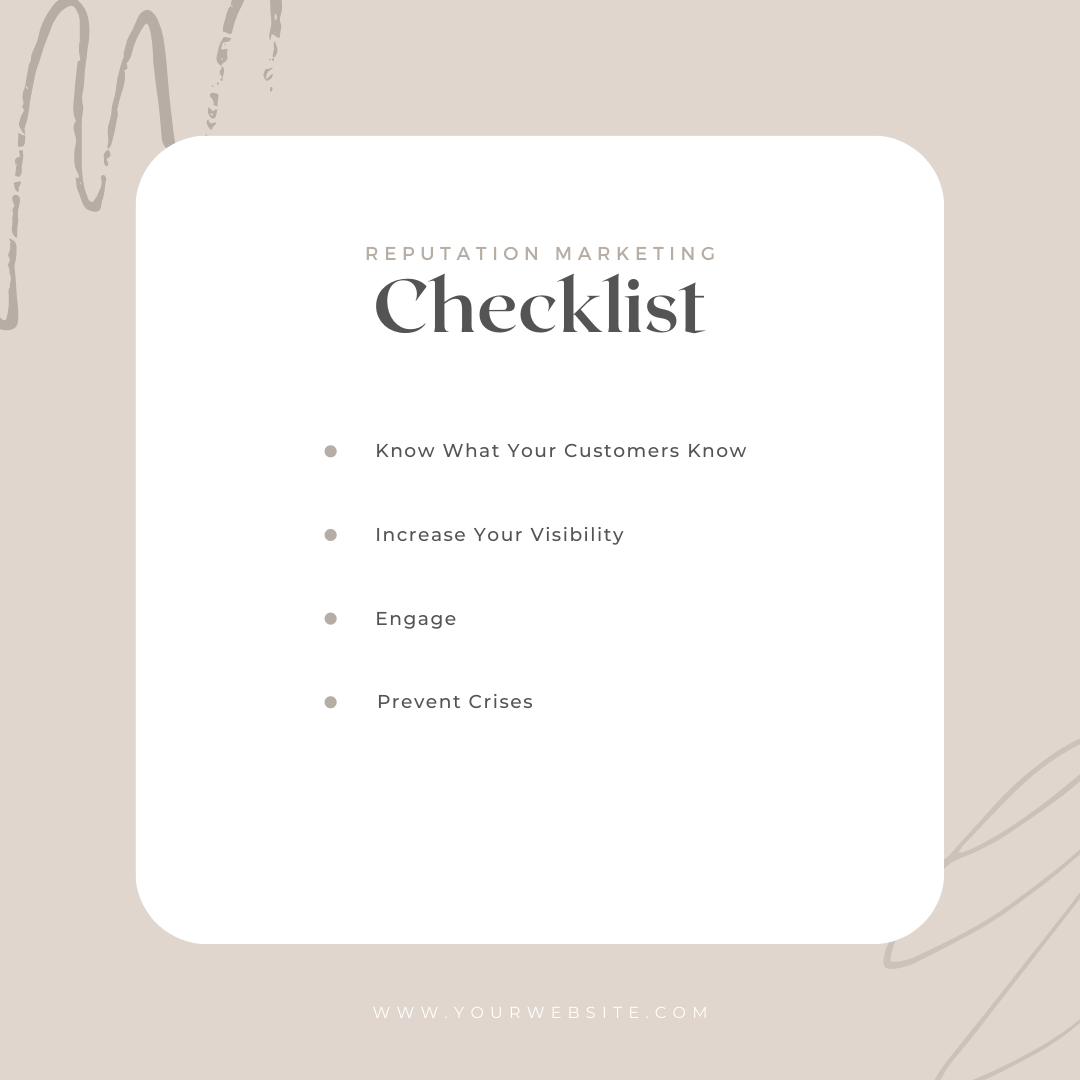
Updated July 2026 — This checklist has been rewritten from the ground up for 2026, adding AI assistant audits, review velocity targets, and the profile checks that now decide who gets found and who gets skipped.
Your reputation used to be word of mouth. Now it is your Google rating, your review responses, your business listings, and — new for this decade — what ChatGPT and Gemini say when someone asks about you. The good news: keeping all of it healthy does not require a marketing degree. It requires a checklist and about an hour a month. Here it is.
Why does your reputation need a monthly checklist?
Because reputation is not a set-it-and-forget-it project. Business hours change, photos go stale, reviews trickle in (or stop), listings drift out of date, and AI assistants re-scan the web constantly. A business that looked great online in January can look abandoned by June. Small monthly maintenance beats a panicked scramble after a slow quarter — and every item below compounds. Do them consistently and each one makes the others work harder.
Have you claimed and verified every profile that matters?
Start here, because everything else builds on it. If you have not claimed a profile, someone else controls what customers see there.
- Google Business Profile — the big one. Claimed, verified, and fully filled out: categories, services, hours, photos, and a real description.
- Apple Business Connect — this feeds Apple Maps and Siri, which iPhone users rely on more than most owners realize.
- Bing Places — Bing data also feeds Microsoft Copilot.
- Facebook, Yelp, and Nextdoor — even if you never post, claim them.
- Industry sites — Angi for contractors, Healthgrades for medical, TripAdvisor for hospitality, and so on.
Monthly check: confirm hours (especially around holidays), add two or three fresh photos, and answer any new questions sitting in the Q&A section of your Google profile.
Are you asking for reviews at a steady pace?
Review velocity — a steady stream of new reviews — matters more than your lifetime total. Fifty reviews that all arrived in 2023 tell Google and your customers that something changed. A handful of new ones every month says you are busy and people are happy.
- Set a target you can sustain. For most local service businesses, four to eight new Google reviews a month is realistic and meaningful. Match the target to your customer volume — consistency beats bursts.
- Ask every customer, every time. Not just the delighted ones. Selectively asking only likely five-star customers (called review gating) violates Google’s policies.
- Ask within 24 hours of the job, sale, or visit, by text or email, with a direct link to your review form. Every extra click cuts your response rate.
- Automate it. The businesses that win this game are not more charming — they just never forget to ask.
Are you responding to 100 percent of your reviews?
Every review. Not just the bad ones, and not just the glowing ones. Your response rate is public, and prospects read your replies to learn what you are like to deal with.
- Positive reviews: a short, specific thank-you within a few days. Mention the service they used — it reads as genuine and reinforces what you do.
- Negative reviews: stay calm, acknowledge the experience, and move the conversation offline. Never argue, and never share the customer’s private details.
- Monthly check: scan all your profiles for unanswered reviews and clear the backlog.
Are you monitoring mentions beyond the review sites?
Plenty of reputation happens where you are not looking: local Facebook groups, Nextdoor threads, forum posts. Once a month, search your business name on Google and on Facebook, and set up a free Google Alert for your business name so mentions come to you. Catching a wrong claim or an unhappy thread early is the difference between a quick fix and a story that hardens.
Are your reviews visible on your own website?
Your website is where buying decisions get finalized, so your best evidence should live there — not three clicks away on Google.
- Install a live review widget that automatically pulls in your latest Google reviews. Fresh, dated, real reviews beat a static testimonials page every time.
- Add review structured data (schema) where appropriate, so search engines can understand your ratings.
- Monthly check: open your own site like a customer would. Are the reviews current? Would you be convinced?
What do AI assistants say about your business?
This is the newest item on the checklist and the one most owners have never done. Once a month, ask ChatGPT, Gemini, and Copilot questions like Is [your business name] good? and Who is the best [your service] near [your town]?
- If the answers are accurate and positive, note what sources they lean on.
- If they are wrong, outdated, or leave you out entirely, the fix is almost always upstream: more recent reviews, more complete profiles, and consistent business information across the web. AI assistants summarize what they find — so change what they find.
Is your business information consistent everywhere?
NAP stands for name, address, and phone number, and inconsistencies quietly erode everything above. If your listings show two phone numbers or an old address, search engines and AI assistants lose confidence in all of your data — and customers call numbers that no longer ring.
- Quarterly check: search your business name plus your city and audit the top listings that appear. Fix any mismatched name, address, phone, or website — including old suite numbers and outdated tracking numbers.
What if you would rather not do this every month?
That is a fair position — you started your business to do the work, not to babysit listings. This checklist is exactly what MCM Digital Products runs for clients through our Reputation Management service: automated review requests that keep your velocity steady, AI-assisted responses so nothing goes unanswered, live review widgets on your site, and regular monitoring of what search engines and AI assistants say about you. We are based in Manitowoc, Wisconsin, and we build these systems for local businesses every day. If you would like us to run this checklist against your business — no obligation, just an honest report — reach out and ask for a free reputation check.
Common Questions
How do I see what customers see when I Google my business?
Open a private or incognito browser window so you’re not signed in. Signed in, Google shows you your own listing the friendly way. Search your business name plus your city. Look at the map result, the reviews, the website link, and the whole first page. Then try it on your phone using cell data, not shop Wi-Fi. Write down anything wrong. That list is your audit.
What should I actually check, and how often?
Check the basics monthly: hours, phone number, address, services, photos, and what shows up on page one for your business name. Do a wider sweep every three months — smaller directories, your Facebook page, Apple Maps, Bing, your BBB listing. Ten minutes a month beats a scramble later. Put it on the calendar the same day you run payroll or invoices, so it actually gets done.
I found a listing for my business I never created. Where do those come from?
Some directories build listings automatically from public records, old phone books, or data they buy. You never made them, but customers still find them. Search your business name, your phone number, and any old address separately — the old address usually turns up the ones you forgot about. Claim what you can and correct the rest. If chasing them down isn’t your idea of a good time, listings cleanup is something we handle.
There’s an old listing with a phone number I don’t use anymore. Does that really hurt me?
Yes. A dead number on a live listing sends calls nowhere, and most people just call the next company instead of hunting for your correct number. It also muddies the signals search engines use to decide which business is really you. Claim the listing and fix it at the source if you can. If you can’t claim it, use the “suggest an edit” option and check back later.
What does NAP consistency mean, and why does it matter?
NAP means Name, Address, Phone. Consistency means those three match everywhere they appear — your website, Google, Facebook, Yelp, Apple Maps, old directories. Same suite number, same spelling, same phone number. When they don’t match, search engines get less confident all those listings are the same business, and customers get confused about which one is current. Pick one exact version, write it down, and use that wording every time.
Our Facebook page hasn’t been touched in years. Should I delete it or fix it?
Fix it or take it down, but don’t leave it half-alive. An abandoned page with wrong hours and a five-year-old cover photo tells people you might be out of business. If you’ll post now and then, update the hours, phone number, address, and photos and keep it. If you know you won’t post, at minimum correct the contact details so anyone who lands there still reaches you.
Why do strange photos show up when I search my business name?
Click the Images tab after searching your name. Google pulls pictures from your business profile, your website, other listings, and sometimes customer uploads. If you see a competitor’s truck, a stock photo, or your old shop, it’s usually coming from an old listing or a profile nobody claimed. Track down the source, fix or claim it, then upload current photos of your own crew and finished jobs.
Do I need a reputation monitoring tool, or can I just check this myself?
Honestly, if you run one location with a handful of listings, you don’t need a tool. A calendar reminder and fifteen minutes of searching does the same job. Monitoring tools earn their keep when you have several locations, a lot of listings to keep in sync, or nobody with time to look. Start manual. If the checking keeps slipping, hand it to us at (920) 383-3387.

Michael Cummings
Founder of MCM Digital Products. Building and running growth engines for service businesses since 2011 — from Manitowoc, Wisconsin, where his neighbors have elected him to City Council three times.
More about Michael →
Run this play in your business
Want this working for you — without doing any of it yourself?
Every play on this site is something we build and manage for clients every day. Book a free audit and I'll show you exactly where this applies to your business — with your real data.
Get My Free Business AuditPrefer to learn it yourself? Start free in the MCM360 Academy →